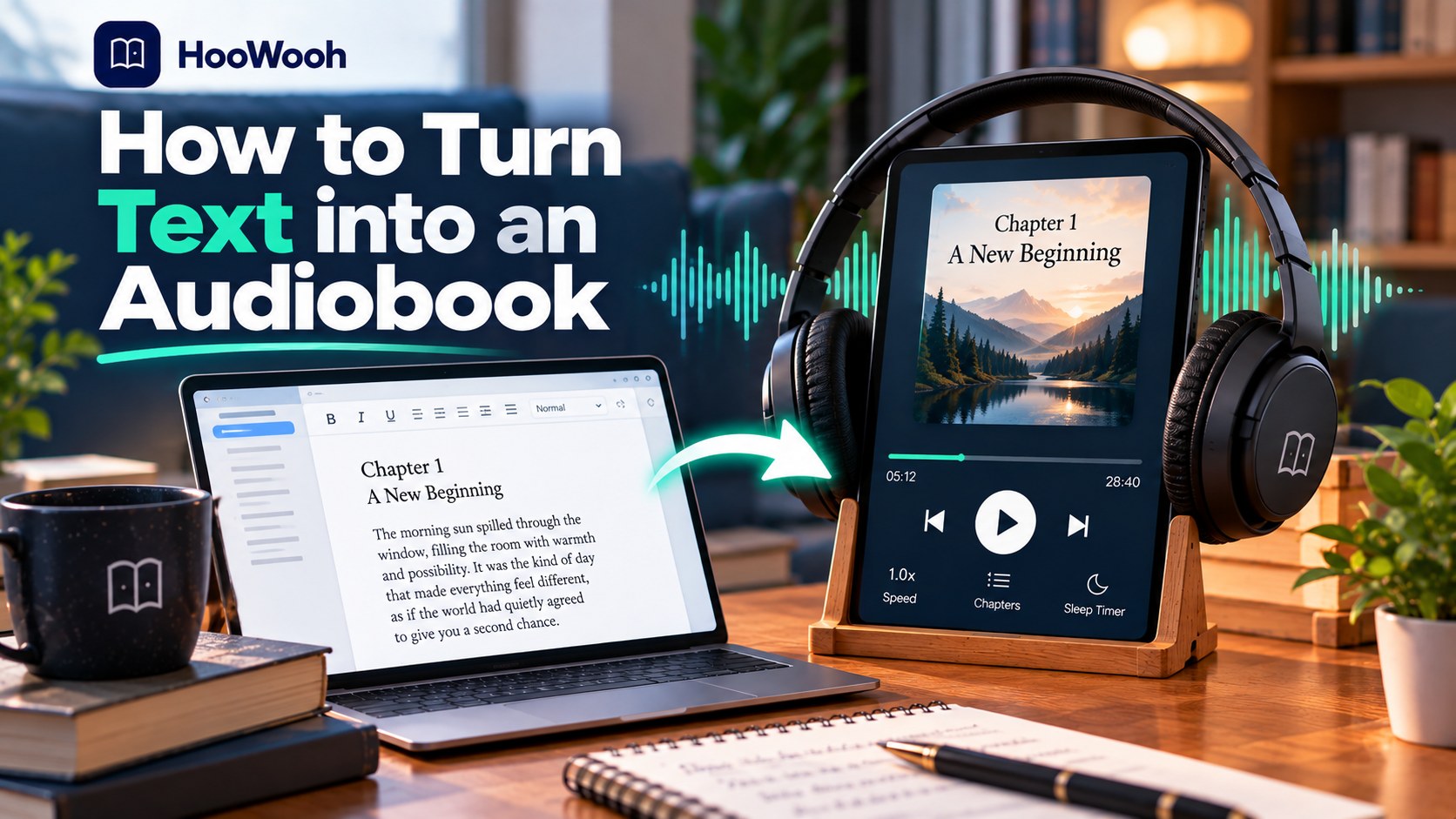
You can turn text into an audiobook without a recording studio. The quality comes from structure, voice testing, and a careful export—not from dumping a long document into a voice box and hoping for the best.
Decide whether you need reading or an audiobook
Direct answer: A reader that speaks text and a converter that creates audio files solve different problems. Read-aloud is ideal for a webpage, note, or quick document. A generated audiobook is better when you want chapters, a stable voice, offline playback, and a file you can keep in your own listening setup.
The competitor threads show why this matters. People listen for full work shifts, care about natural voices, and worry about sudden limits. A short demonstration is not enough evidence that a setup will work for ten hours of daily listening.
Prepare the text for a human ear
Start with a clean source
Use a document you are allowed to convert. Copy only the material you need, then remove navigation, duplicated titles, web ads, comments, and decorative separators. Plain TXT, a well-structured document, or tidy Markdown makes editing easier.
Give the text a clear hierarchy
Use a title, chapter headings, and paragraph breaks. A voice relies on punctuation and structure to create sensible pauses. Put a blank line between chapters and avoid a wall of text.
Read the first page aloud yourself
This simple check reveals sentences that are too long, labels that need expansion, and headings that sound odd. If a sentence is difficult for you to read, it will likely be difficult for speech synthesis too.
Choose a voice, a mode, and a pace
Do not choose only by the first charming sample. Test one voice on dialogue, technical terms, a list, and an emotional paragraph. Listen for clarity after several minutes. A voice that sounds impressive for a sentence can become tiring over a chapter.
Match the pace to the material. Study notes need room to absorb information. Fiction needs enough variation to distinguish dialogue without becoming theatrical. If readers need another language, evaluate pronunciation in that language rather than relying on an English sample.
| Need | Approach | Trade-off |
|---|---|---|
| Quick access to a page | Built-in read-aloud | Fast, but may not save a reusable file |
| Personal audiobook library | Text-to-audio export | Needs script preparation and review |
| Accessible long-form reading | Chaptered audio with controls | Requires a voice and pace that remain comfortable |
Generate in sections you can review
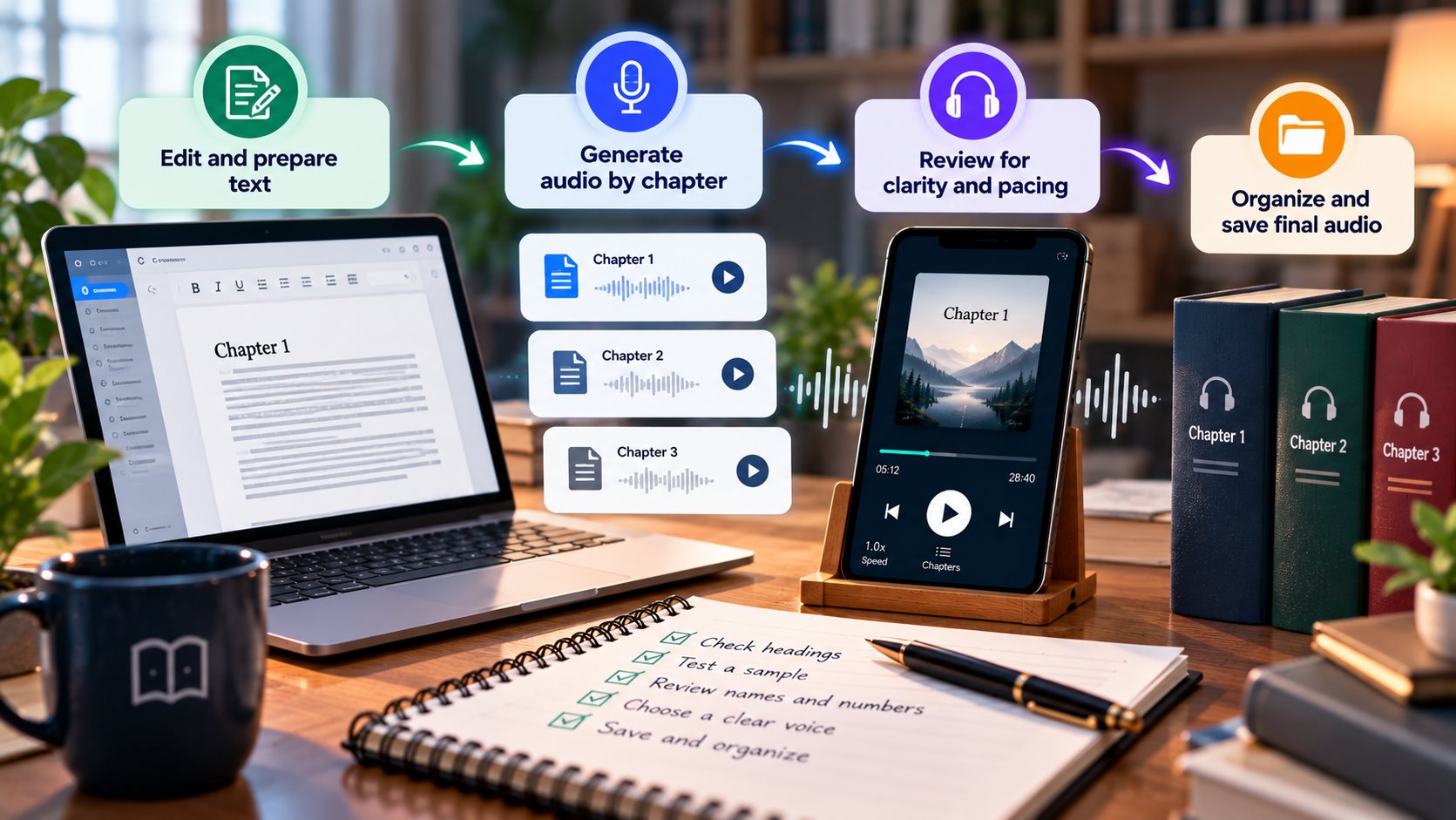
Split the text by chapter before generating audio. Sections make your work recoverable and keep corrections local. They also help your player display understandable chapter names.
Name files with a leading number, such as 01-Introduction and 02-First-Concept. Keep a source file beside each audio section. If you edit one paragraph, regenerate only that section rather than the whole project.
Fix pronunciations before they become distractions
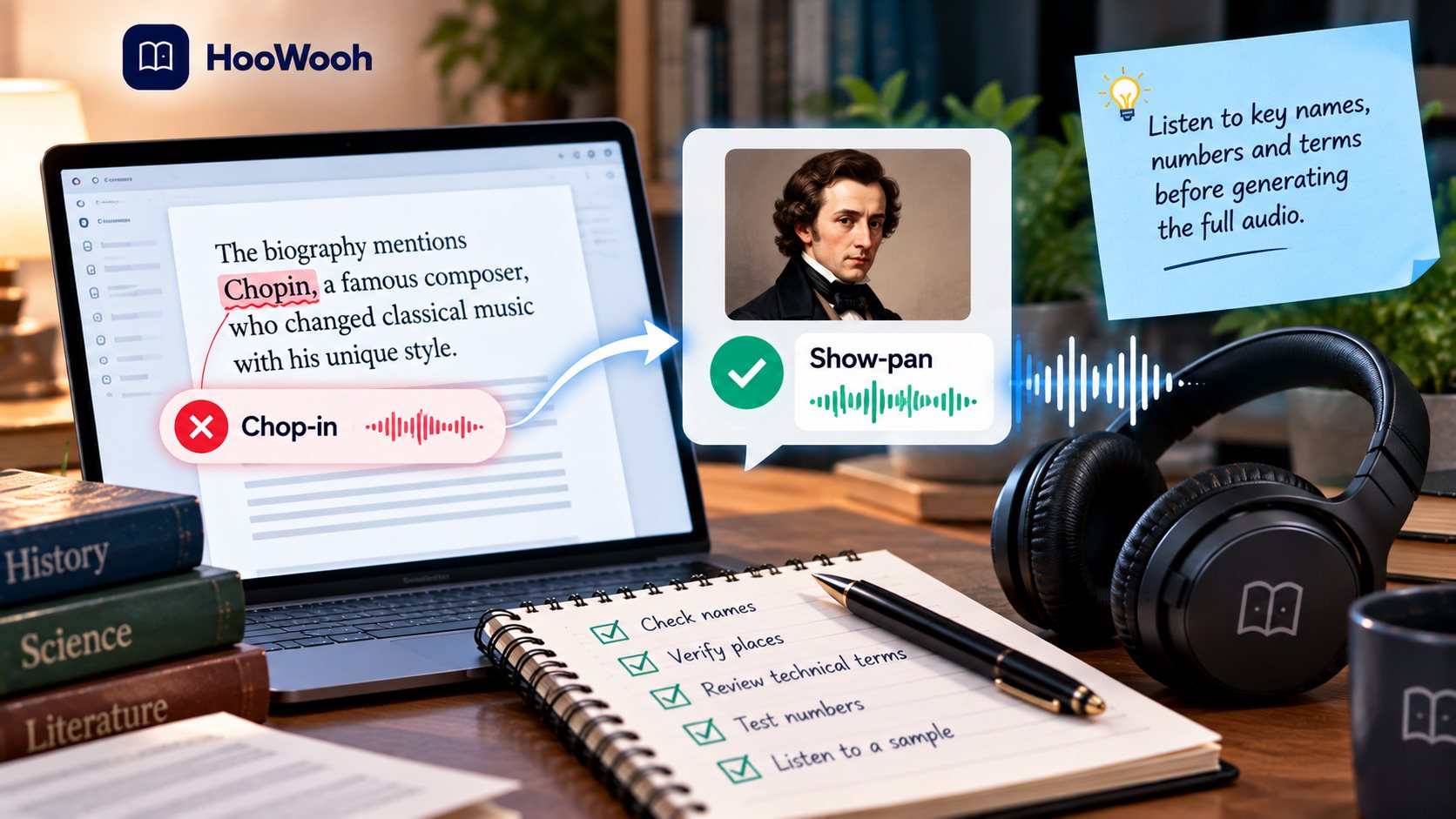
Text-to-speech often struggles with names, initials, abbreviations, URLs, equations, and words from another language. Write down every problem you hear. Then change spelling or punctuation in the private narration script, or use the tool’s pronunciation controls if available.
Do not use a spellcheck-only pass. Listen to the actual output. A correct written word can still receive the wrong emphasis. Add pauses sparingly. Too many pauses make a natural passage feel mechanical.
Export audio that fits how you listen
MP3 is a practical choice for many devices and offline playback. Chaptered files make it easier to resume, skip, and fix a section. If you use a dedicated audiobook player, check whether it supports bookmarks, sleep timers, background playback, and your chosen file type.
Before you transfer a long book, test one file on the target phone, car system, or player. Confirm the title displays correctly and that the volume is consistent. This small check avoids redoing an entire export.
Support access needs, privacy, and personal choices
The discussions include people who need audio because reading has become difficult, people seeking a particular language, and people who prefer non-generative or offline tools. Those are valid requirements, not edge cases. Choose a workflow that fits the listener’s comfort, device, language, and privacy expectations.
Only convert material you own, have permission to use, or may legally access in this way. A file that opens in an app may still have usage restrictions. Respect the author, publisher, library, and platform terms before you export or share audio.
When a voice is based on a real person, consent is essential. Use only a voice you are authorized to create and use. A thoughtful personal audiobook should make listening easier without compromising anyone else.
Build a listening routine that lasts
Hoowooh combines expressive narration modes, multiple voices, text and ebook inputs, and MP3 downloads for offline listening. Preview a short segment first, pick a comfortable pace, and generate one chapter before committing to the full text. That is the most reliable route to audio you will genuinely use.
A deeper quality-control plan
Plan before processing the full file
Plain text gives you more control than a complex document, but it still needs a listening-oriented edit. Start with a small, representative section rather than the first easy page. Include the material that is most likely to expose a problem. That might be dialogue, a technical paragraph, a two-column page, or an unfamiliar name. Keep a copy of the original source and a separate working version. This gives you a clear way to compare the spoken result against the material you intended to hear.
Unclear headings, dense paragraphs, and unexplained abbreviations can make even a natural voice difficult to follow. Make a short checklist before you render: title, chapter boundary, reading order, voice clarity, names, numbers, pauses, and ending. Listen to that checklist through the device you actually use. A phone speaker, car system, earbuds, and dedicated player can reveal different issues. Fix the underlying text or file structure before you generate more audio.
Set a realistic review standard. You do not need to inspect every second with a printed checklist, yet you should sample the beginning, a difficult middle section, and the ending of each chapter. This catches missing passages, duplicated sentences, sudden voice changes, and clipped endings. Mark the exact time of a problem so you can return to the correct section without repeating unrelated work.
Keep the listener in control
Separate chapter files let you adjust a sentence, voice setting, or pace without rebuilding the whole audiobook. The listener should be able to pause, resume, skip a chapter, and return to a useful point without hunting through a single giant file. Give chapters meaningful names and keep their order stable. If you make a corrected version later, use a clear filename and retain the version that worked. Small organization habits make a personal audio library feel dependable instead of improvised.
Think about attention, not only sound. A comfortable voice, measured pacing, and clear transitions reduce the effort of listening. Dense prose may need shorter sections and more frequent rest points. Fiction may benefit from restrained expression that keeps dialogue understandable. The best setting is the one that lets the listener follow the author for a long period without becoming fatigued or distracted.
Do a transfer test before you call the project finished. Put one completed chapter on the intended device. Check playback with the screen locked, confirm the file title is visible, and test a pause followed by a resume. If you need offline access, turn off the connection during this test. It is far easier to discover an incompatibility with one chapter than after preparing an entire book.
Know when to stop and rework
If a sample feels tiring after several minutes, change the voice or pacing before you generate the full text. Rework is a normal part of making a usable listening version. Return to the source when you hear garbled text, a lost column, a confusing symbol, a repeated header, or a name that changes pronunciation. Do not solve a content problem by simply speeding up the voice. The right correction makes the audio more trustworthy and more pleasant to hear.
Keep notes that another person could understand. Record the source version, the date, the voice setting, and any unusual pronunciations. This matters when you revisit the material after a month or make audio for a family member, student, or colleague. It also makes a second conversion faster because you are building a repeatable listening process rather than starting from scratch every time.
Finally, judge success by the listener’s outcome. Can they follow the ideas while walking, resting, studying, or commuting? Can they locate a chapter again? Can they understand the names and numbers? If the answer is yes, the conversion has done its job. If not, the next improvement should target the specific point of friction rather than adding features that do not help the listener.
Make the result easy to revisit
Store the source, edited text, and finished audio using the same book title and a simple folder structure. After the first session, identify one listening issue, fix it, and test again. Keep the source intact and make changes in the narration copy. Use the same workflow for future documents: prepare, test difficult sections, create chapters, check playback, and save the final version. The first chapter acts as a prototype, helping you refine the voice, structure, and format based on real listening needs.
Frequently asked questions
Can I turn a TXT file into an audiobook? Yes. Clean the text, divide it into chapters, test a voice, and export audio sections. TXT is often easier to prepare than a visual document.
Can I make an MP3 from text? Yes, if your chosen tool offers audio export or download. Built-in read-aloud features may speak text without creating an MP3 file.
Why does text-to-speech mispronounce words? Names, abbreviations, punctuation, and words from other languages can confuse it. Test difficult passages, then adjust the narration script or pronunciation settings.
What speed should an audiobook use? Use the speed that keeps the material understandable over time. Dense notes usually need a slower pace than casual fiction.
Do I need a realistic voice? Not always. Clarity and comfort matter most. Some listeners prefer traditional offline voices for privacy, predictability, or personal preference.
Make your next listening session count
Prepare one chapter, test it through your own headphones, and make changes while they are easy. To turn text into listenable, offline audio, try Hoowooh.